Click on the image to view in full screen.
Astralis Cheat External for Apex Legends
Reviews:
OS:
10, 11
Built-in spoofer:
No
Last detection:
Never
Game client:
Steam
Proccessor:
Intel, AMD
USB Required:
Yes
Window mode:
All
$ 4.99
/1days
$ 19.99
/7days
$ 39.99
/30days
Features
Reviews
FAQ
Astralis Cheat Features & Description
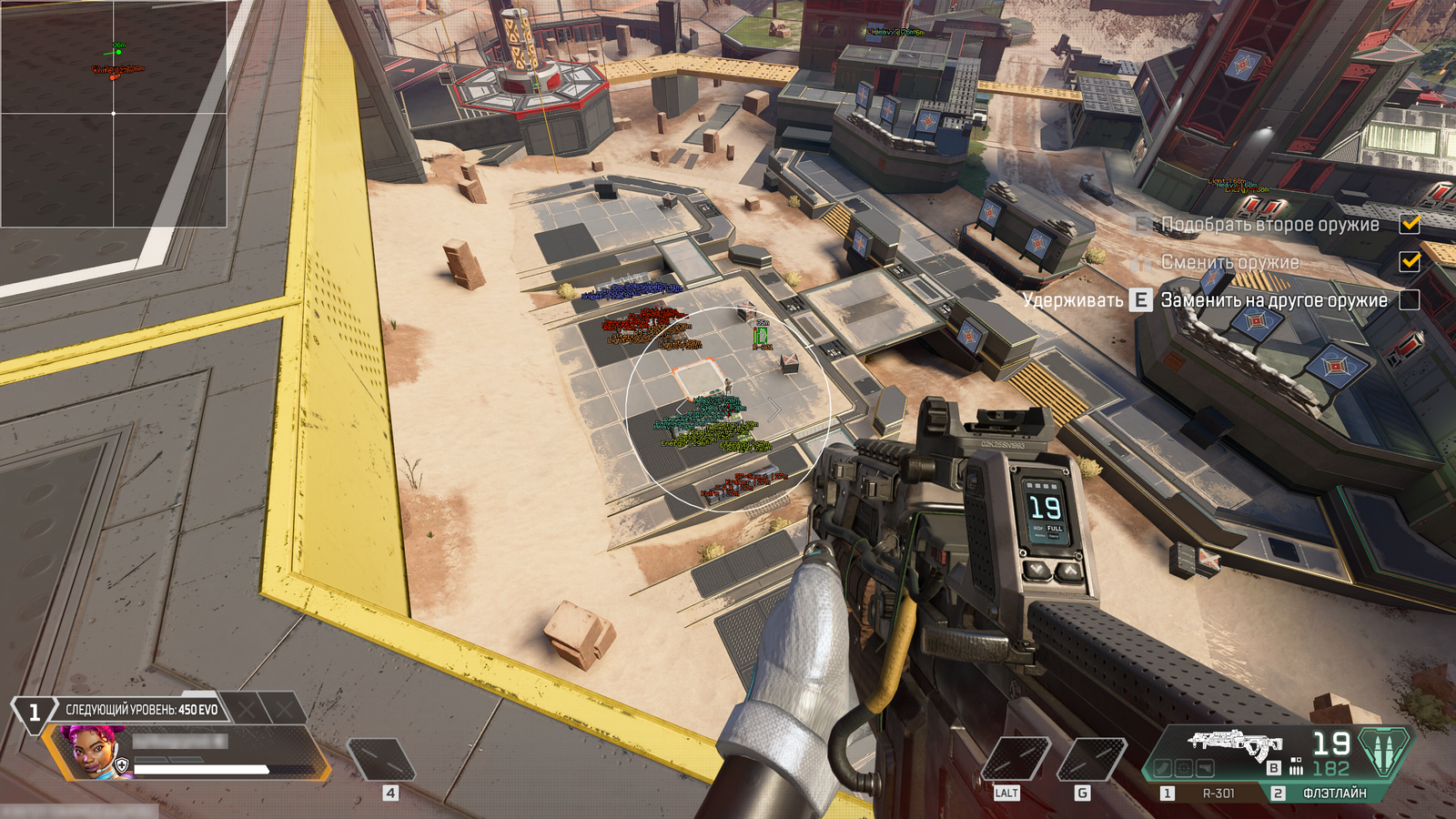
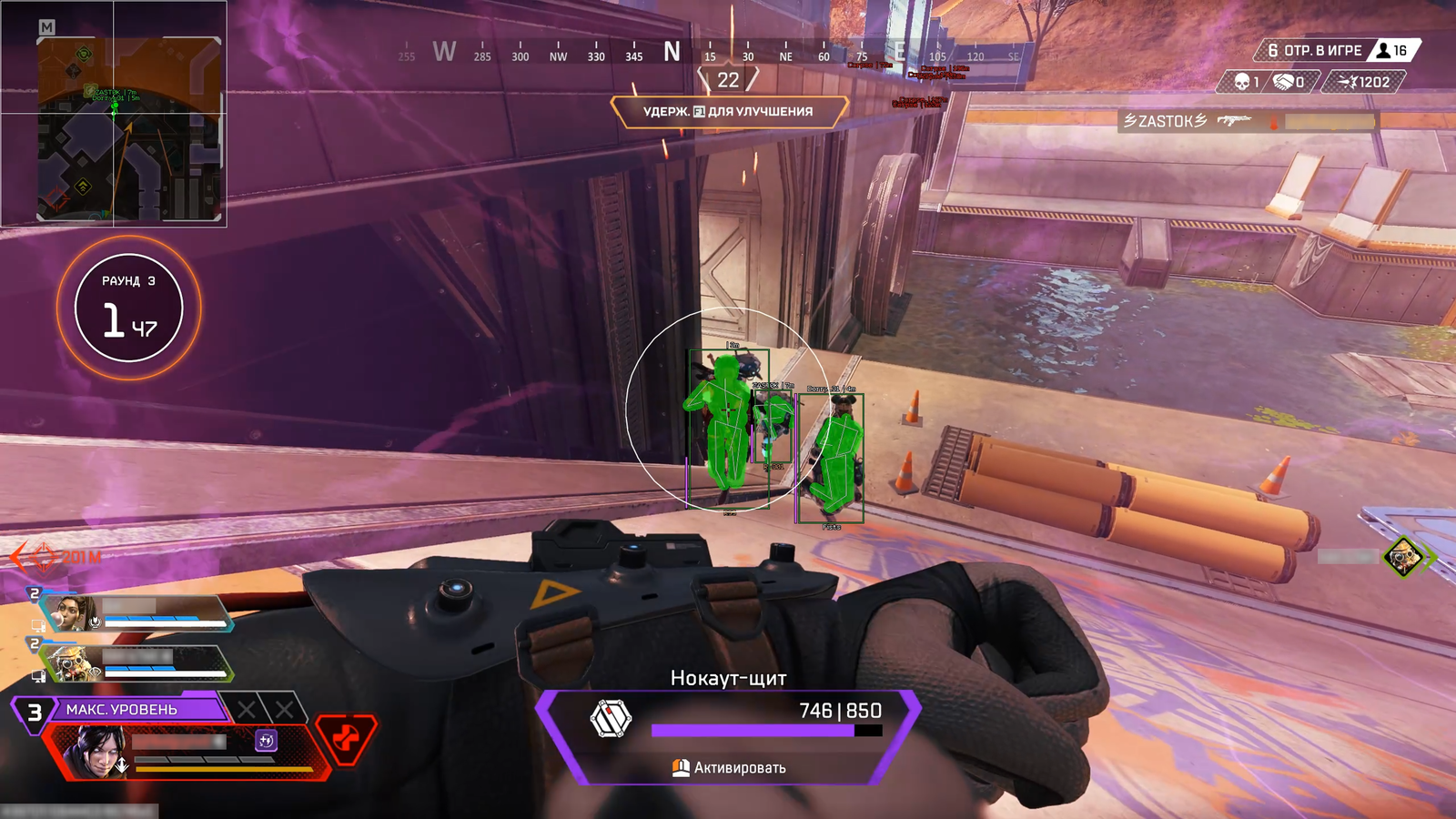
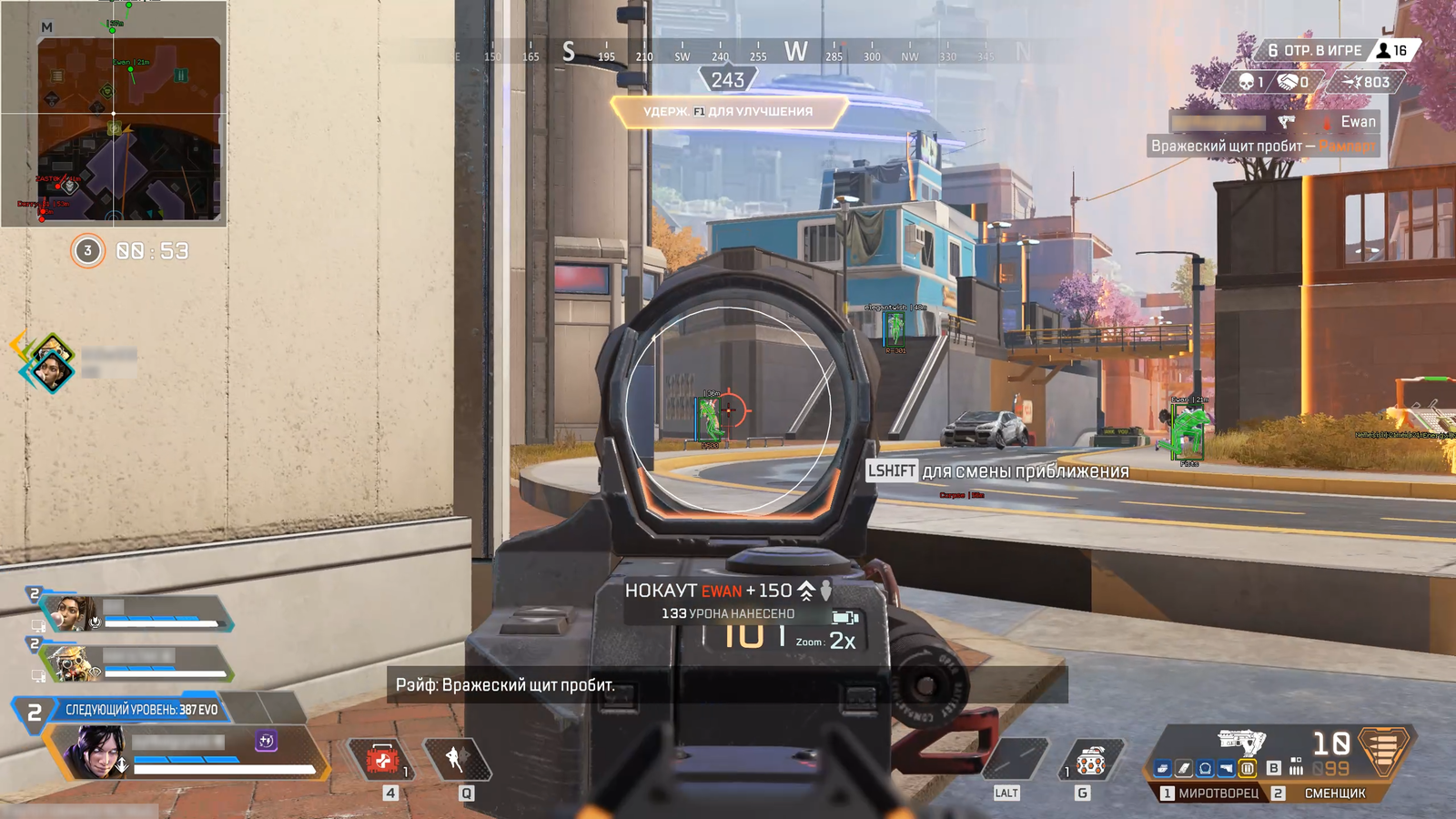
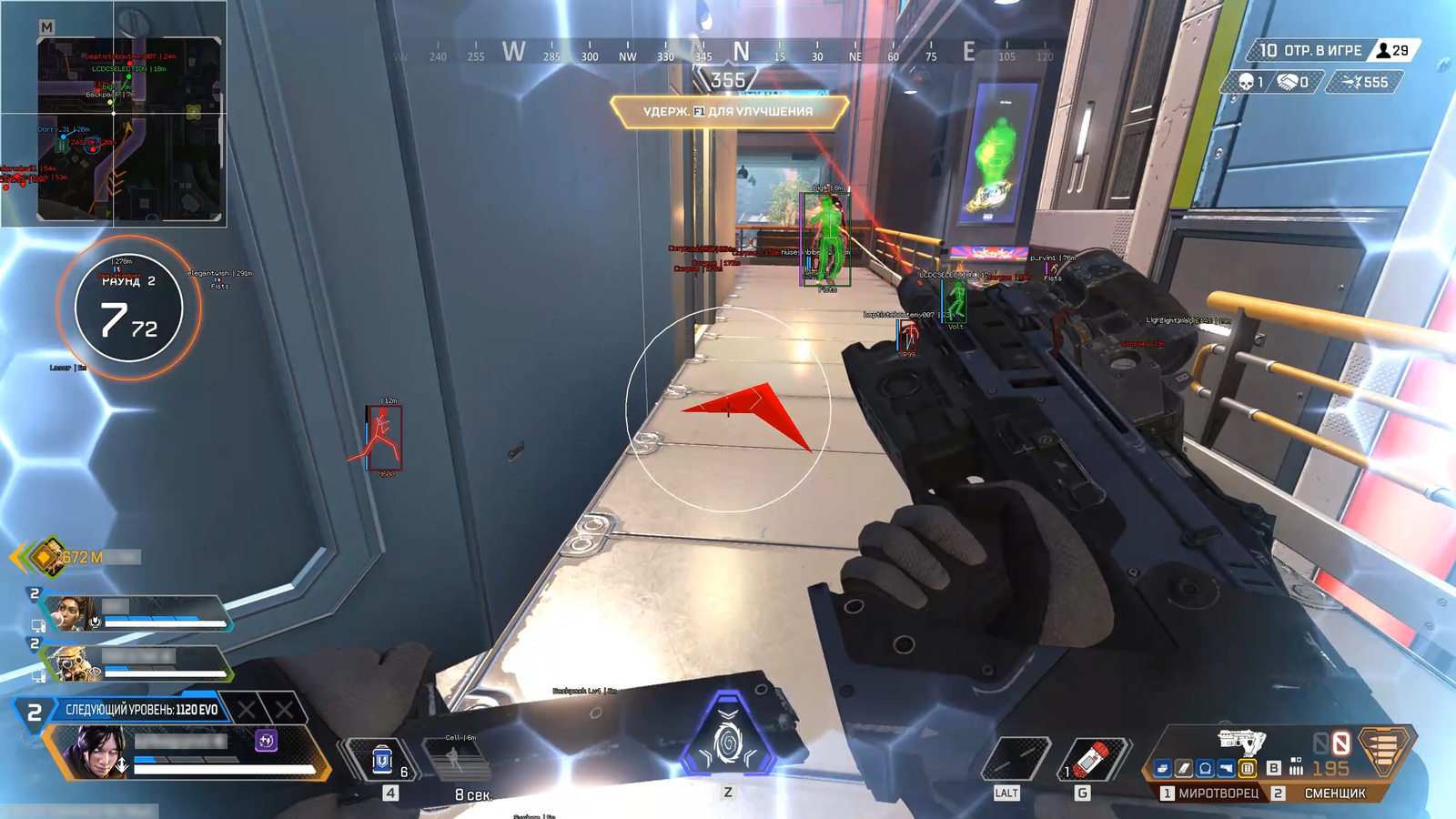
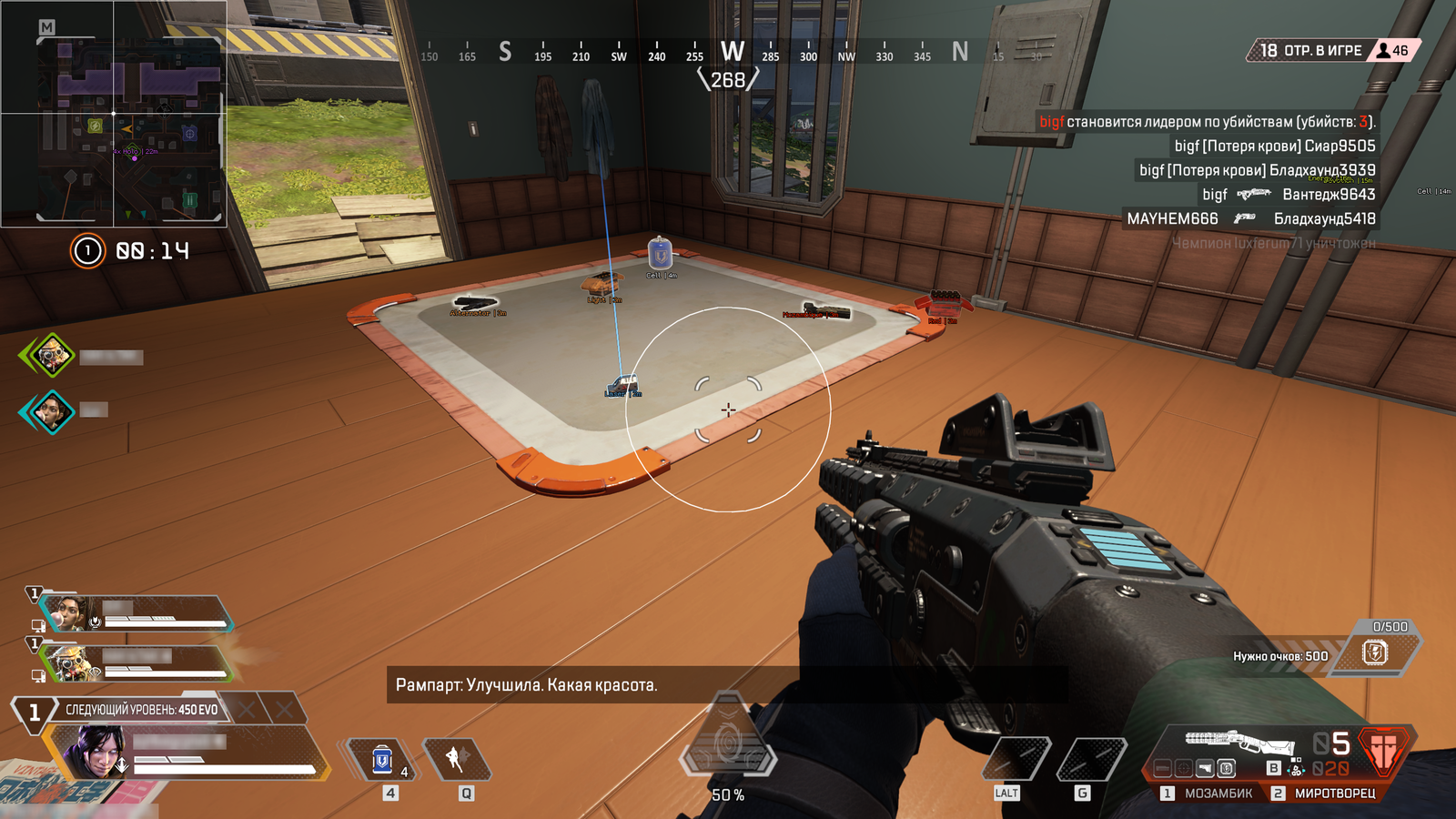
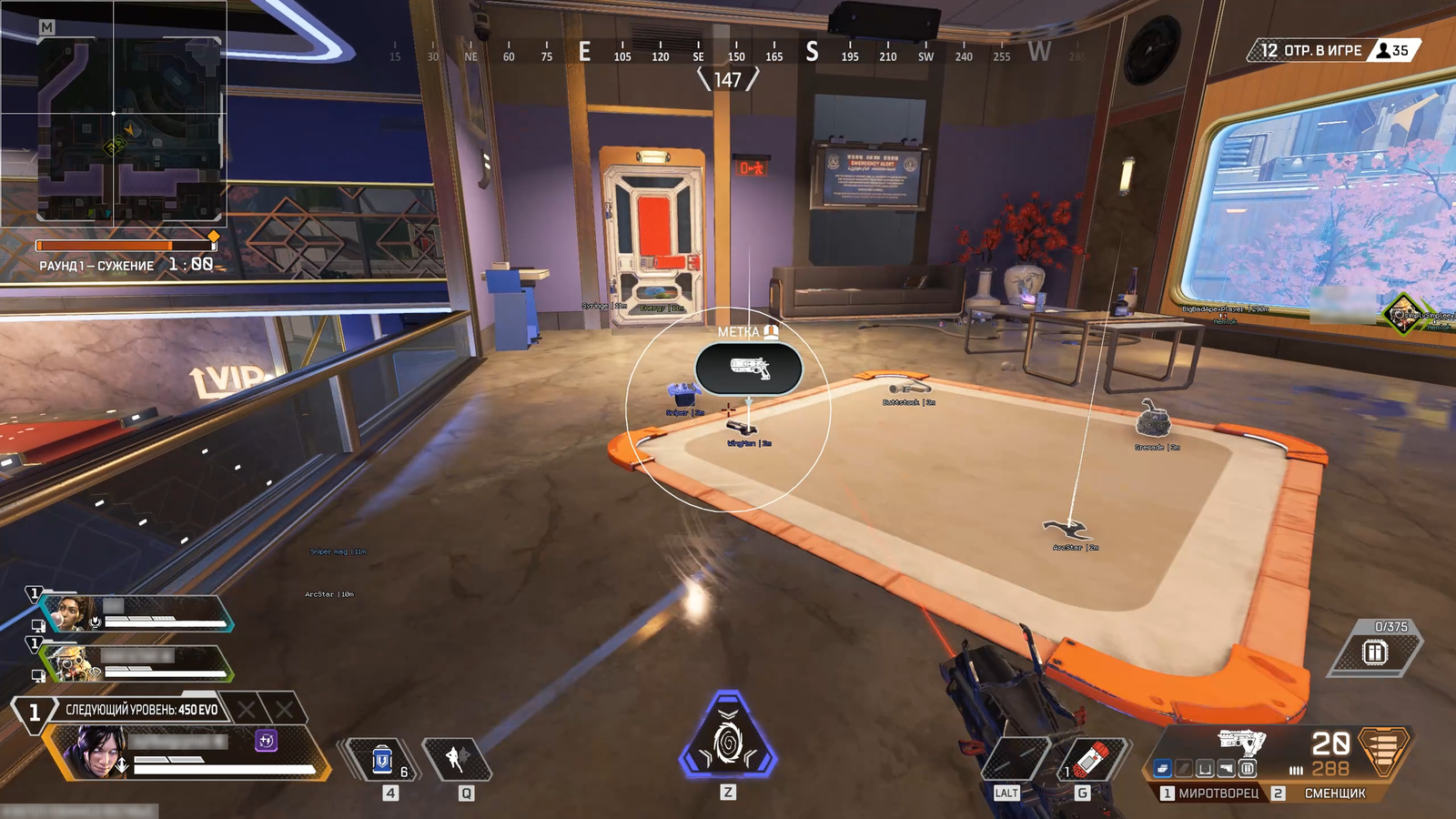
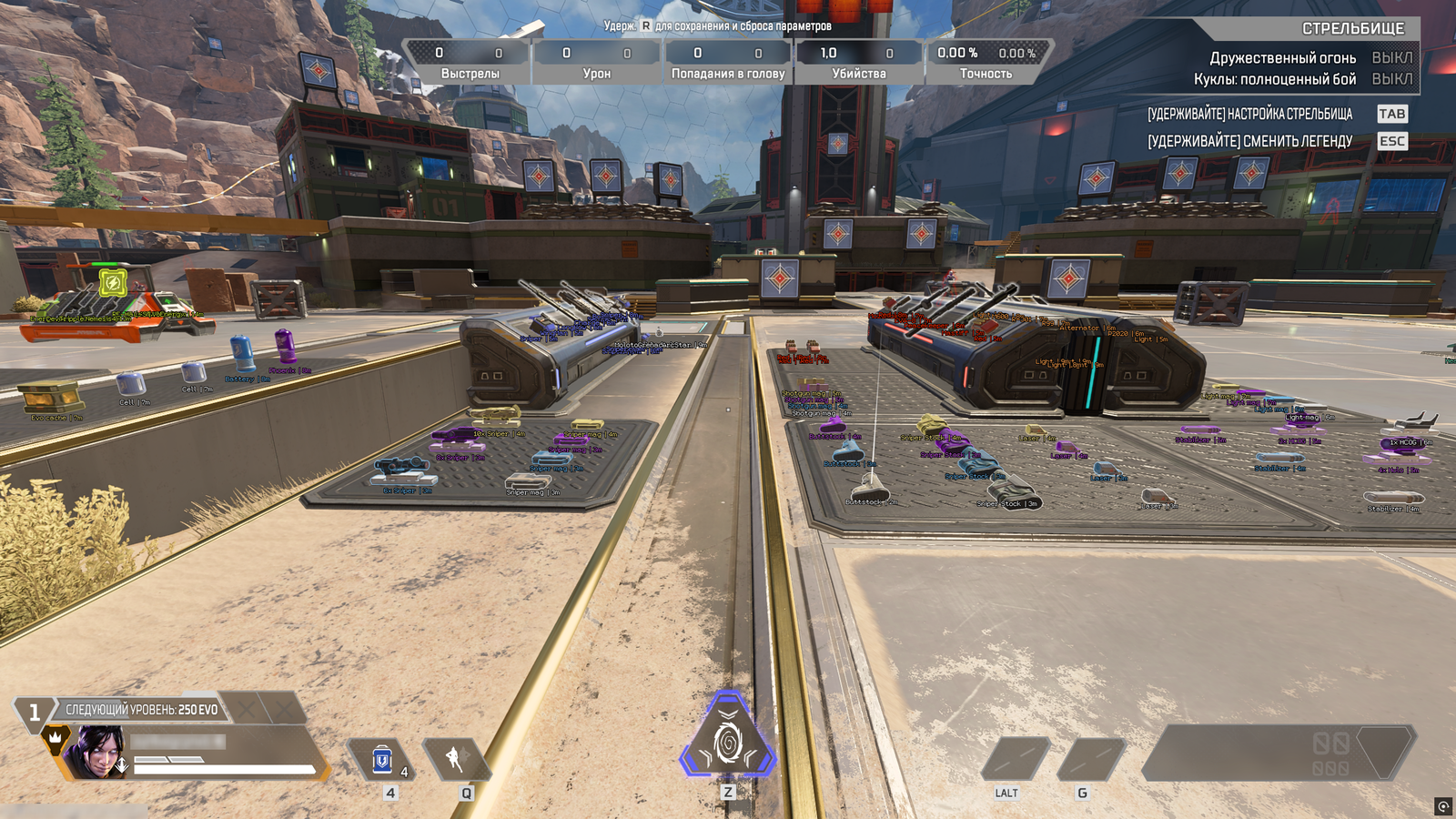
Astralis is a high-performance Apex Legends cheat built for smooth, controlled gameplay and long-term reliability. It features a fully customizable aimbot with adjustable smoothing, FOV, and targeting, alongside strong recoil control for consistent accuracy. The ESP system provides clean visuals like player info, health, and distance without clutter, giving you full awareness in fights. Lightweight and optimized, Astralis runs without FPS drops and is regularly updated to stay undetected, making it a solid choice for both casual and competitive play.
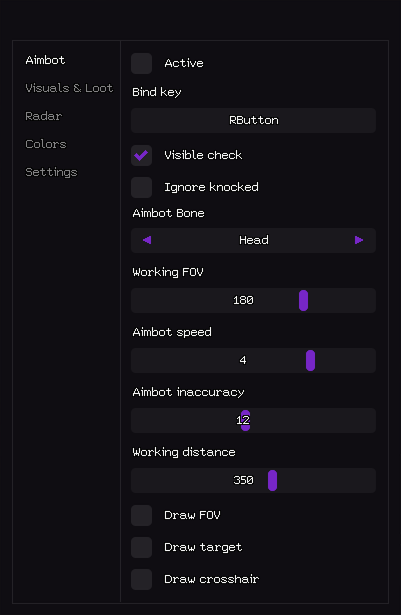
Aimbot
- Active – Enable aimbot.
- Visible check – Works only on visible targets.
- Bind key – Hotkey for aimbot activation (e.g. RButton).
- Working FOV – Target acquisition angle (FOV radius).
- Aimbot speed – Aim movement speed (1–10).
- Aimbot inaccuracy – Adds artificial spread for legit behavior.
- Ignore knocked – Skips knocked / downed players.
- Aimbot Bone – Target hitbox selection (Head, Chest, Pelvis).
- Working distance – Maximum aimbot distance (0-600).
- Draw FOV – Draws FOV circle on screen.
- Draw target – Highlights current target.
- Draw crosshair – Draws static crosshair.
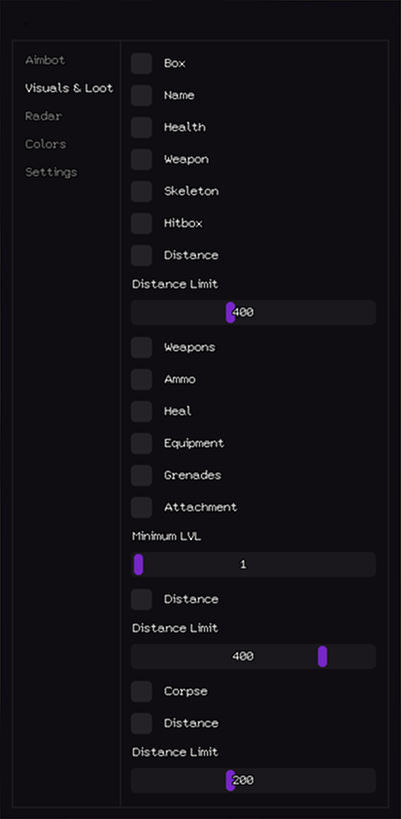
Visuals & Loot
- Box – Draws 2D box around player.
- Players
- Health – Shows HP value / bar.
- Name – Displays player nickname.
- Skeleton – Draws player bone structure.
- Weapon – Displays current weapon.
- Hitbox – Displays player hitbox.
- Distance – Prints distance to player.
- Distance Limit – Maximum ESP render distance (0–1000m).
- Heal – Highlights medical items.
- Loot
- Ammo – Shows ammunition.
- Grenades – Shows explosive items.
- Attachment – Highlights weapon attachments.
- Weapons – Highlights dropped weapons.
- Equipment – Displays armor and clothing.
- Distance Limit – Loot ESP render radius (0–1000m).
- Distance – Shows distance to corpse.
- Minimum LVL – Filters loot by minimum rarity level.
- Corpses
- Distance – Shows distance to item.
- Distance Limit – Corpse ESP radius (0–1000m).
- Corpse – Highlights player corpses.
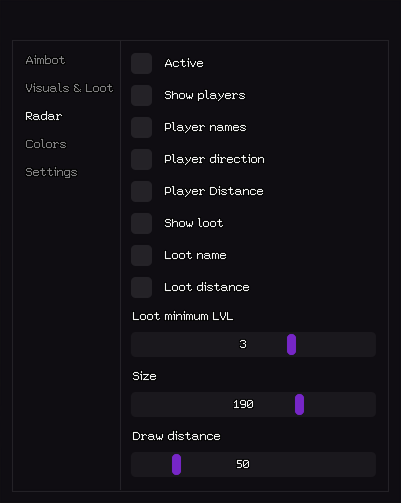
Radar
- Active – Enable radar.
- Show players – Displays players on radar.
- Player names – Shows player nicknames.
- Player Distance – Shows distance to player.
- Loot distance – Prints distance to loot.
- Player direction – Displays view direction.
- Show loot – Displays loot on radar.
- Loot name – Shows item name.
- Size – Radar window size (50–200 px).
- Loot minimum LVL – Filters loot by rarity.
- Draw distance – Radar working radius (50–400m).
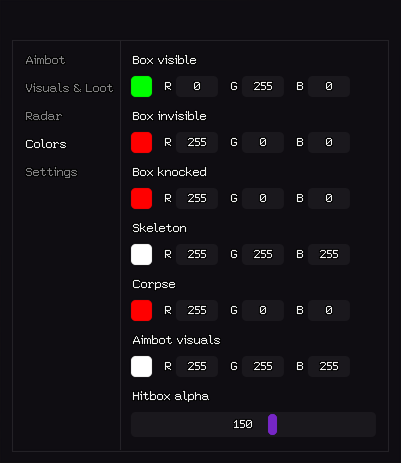
Colors
- Box invisible – Color of hidden player box.
- Box visible – Color of visible player box (RGB).
- Box knocked – Color of knocked player box.
- Corpse – Corpse highlight color.
- Aimbot visuals – Color of FOV, crosshair and target marker.
- Skeleton – Player skeleton color.
- Hitbox alpha – Hitbox transparency level (0–255).
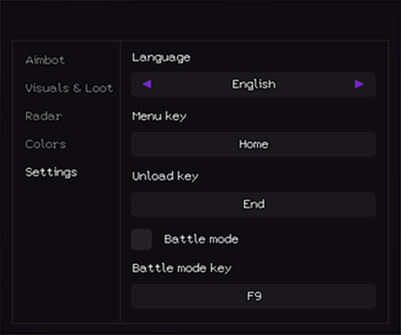
Settings
- Unload key – Key to fully unload cheat.
- Language – Interface language (English / Russian).
- Menu key – Hotkey to open menu.
- Battle mode – Separate combat configuration mode.
- Battle mode key – Hotkey to enable battle mode.