Click on the image to view in full screen.
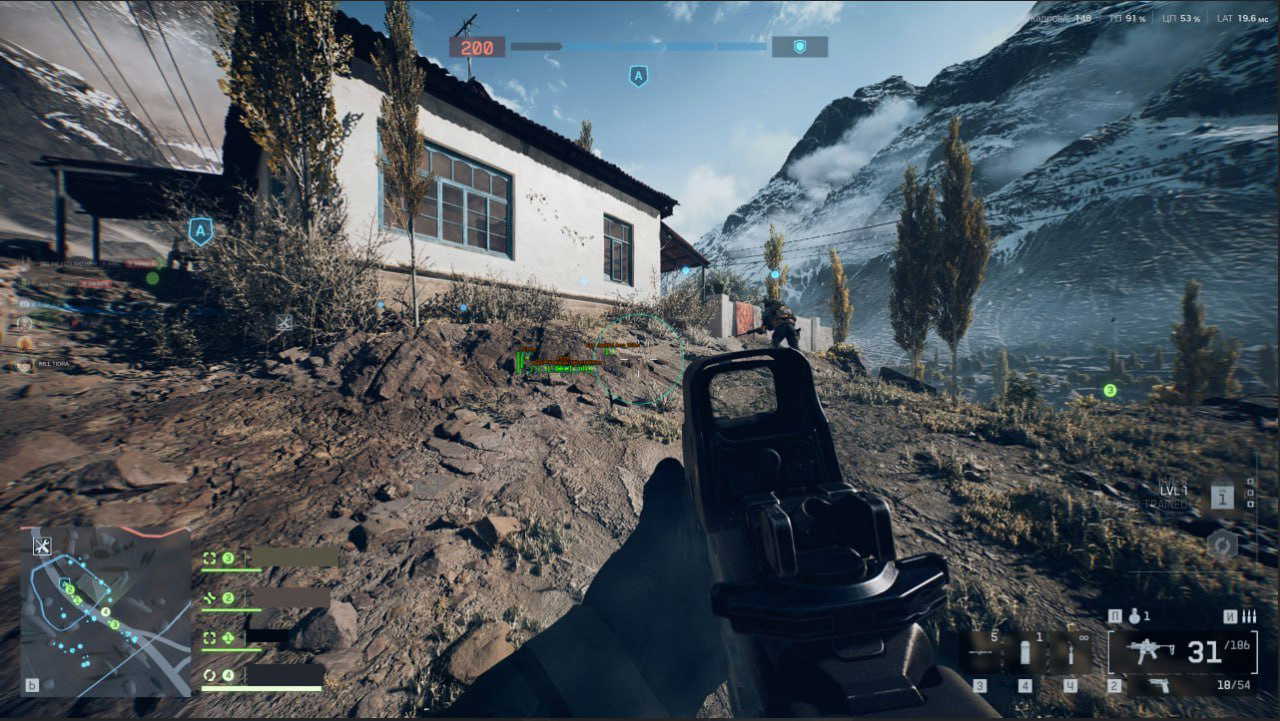
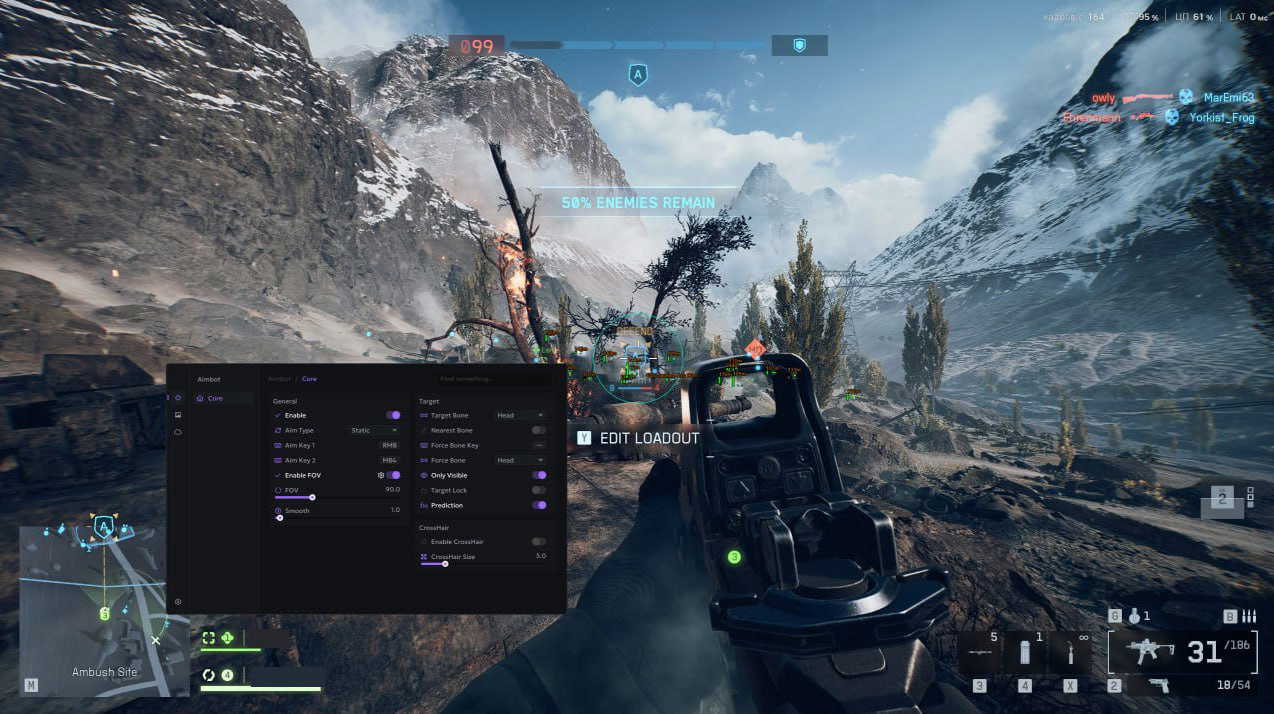
Serenity Cheat External for Battlefield 6
Reviews:
OS:
10, 11
Built-in spoofer:
No
Last detection:
Never
Game client:
Steam, Epic Games, Origin
Proccessor:
Intel, AMD
USB Required:
No
Window mode:
All
$ 3.99
/1day
$ 19.99
/7days
$ 39.99
/30days
Features
Reviews
FAQ
Serenity Cheat Features & Description
Serenity for Battlefield 6 is a complete performance and security package, combining powerful gameplay enhancements with a built-in hardware spoofer for maximum protection. Featuring a precision aimbot for consistent target tracking, detailed ESP to reveal enemies and key objectives, and customizable visuals for optimal awareness, Serenity keeps you in full control of the fight. The integrated spoofer safeguards your hardware identity, letting you play with confidence even after bans. With smooth performance, reduced detection risk, and quick setup, Serenity is designed for players who want to dominate every match without compromise.
AIMBOT
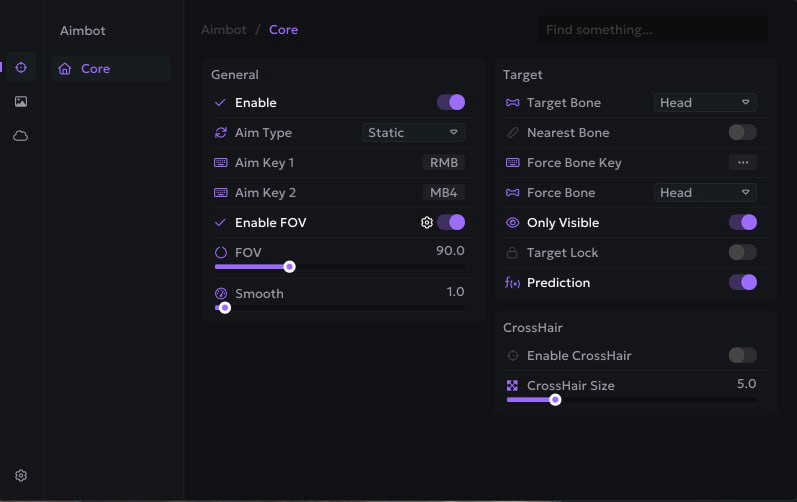
- General Settings
- Enable: Turns the aimbot on or off instantly.
- FOV Radius: Adjustable circle size (in degrees) for the aimbot’s active area.
- Enable FOV: Restricts aiming to targets within a chosen field of view.
- Aim Key 1 / Aim Key 2: Assign up to two hotkeys for activating the aimbot.
- Smooth Radius: Controls how naturally the aim moves toward targets for a more human-like appearance.
- Targeting Options
- Force Bones List: Pre-set bones to lock to when Force Bone Key is pressed (Head, Neck, Body, Pelvis).
- Nearest Bone: Automatically locks to the closest bone to your crosshair.
- Only Visible: Ensures the aimbot only locks onto visible enemies without aiming through walls.
- Target Bone: Choose which body part to prioritize (Head, Neck, Body, Pelvis).
- Force Bone Key: Assign a key to instantly switch targeting to a specific bone.
- Prediction: Calculates and adjusts for target movement and bullet travel time for accurate long-range shots.
- Target Lock: Keeps aim locked on the same enemy until they are eliminated or out of range.
- Crosshair Settings
- Crosshair Size: Adjust crosshair dimensions for personal preference.
- Enable Crosshair: Displays a customizable on-screen crosshair overlay.
SETTINGS & CONFIGURATION
- Add Config: Create a new settings profile from scratch.
- Save Config: Save current settings for future use.
- Share Config: Export and share your configuration with others.
- Delete Config: Remove old or unused configurations.
- Load Config: Load a previously saved setup instantly.
ESP
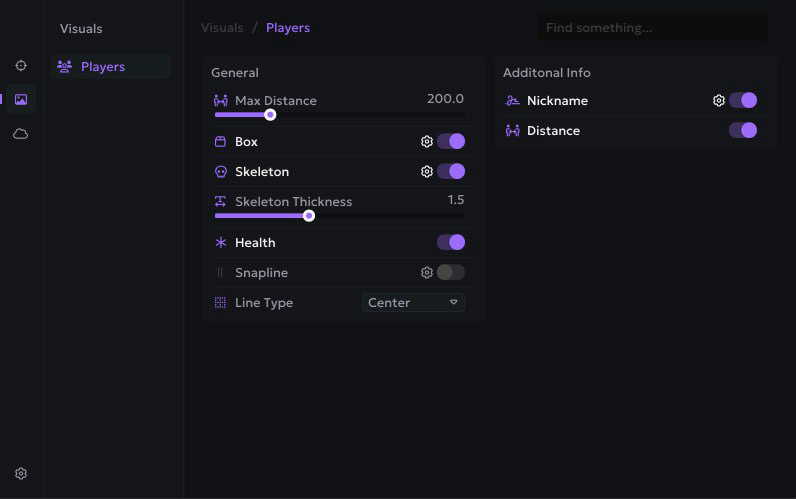
- General ESP Settings
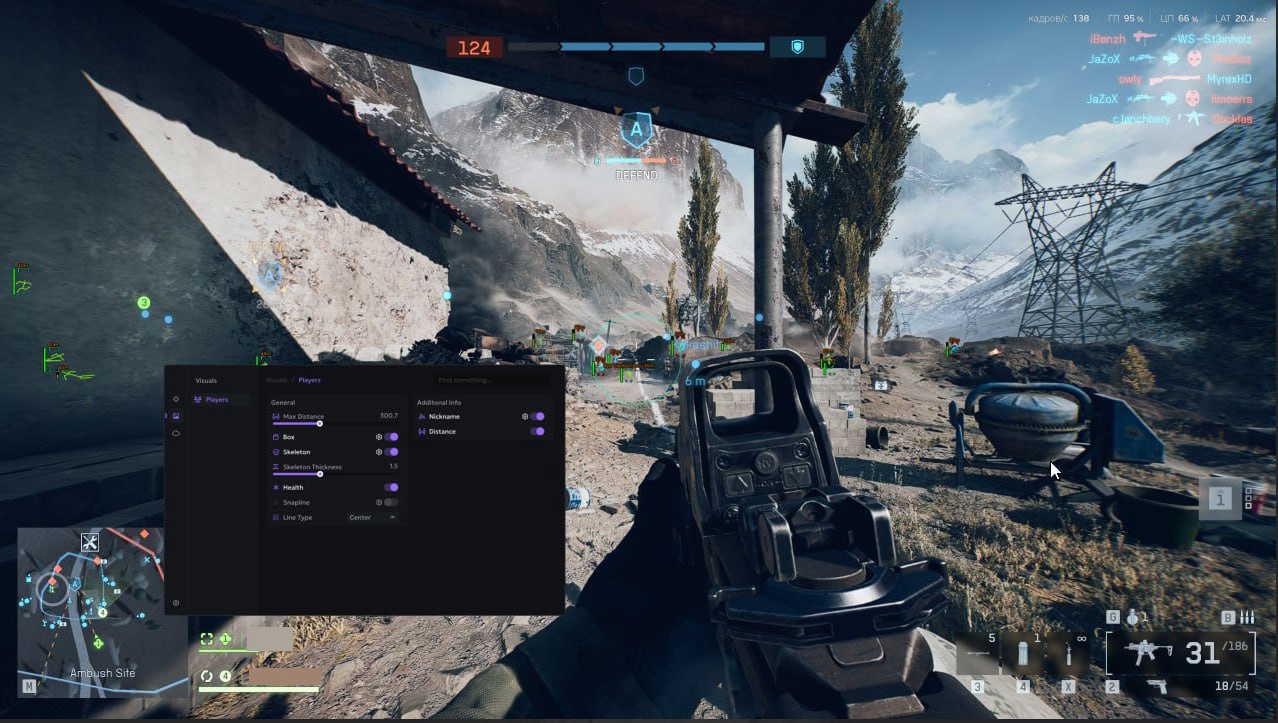
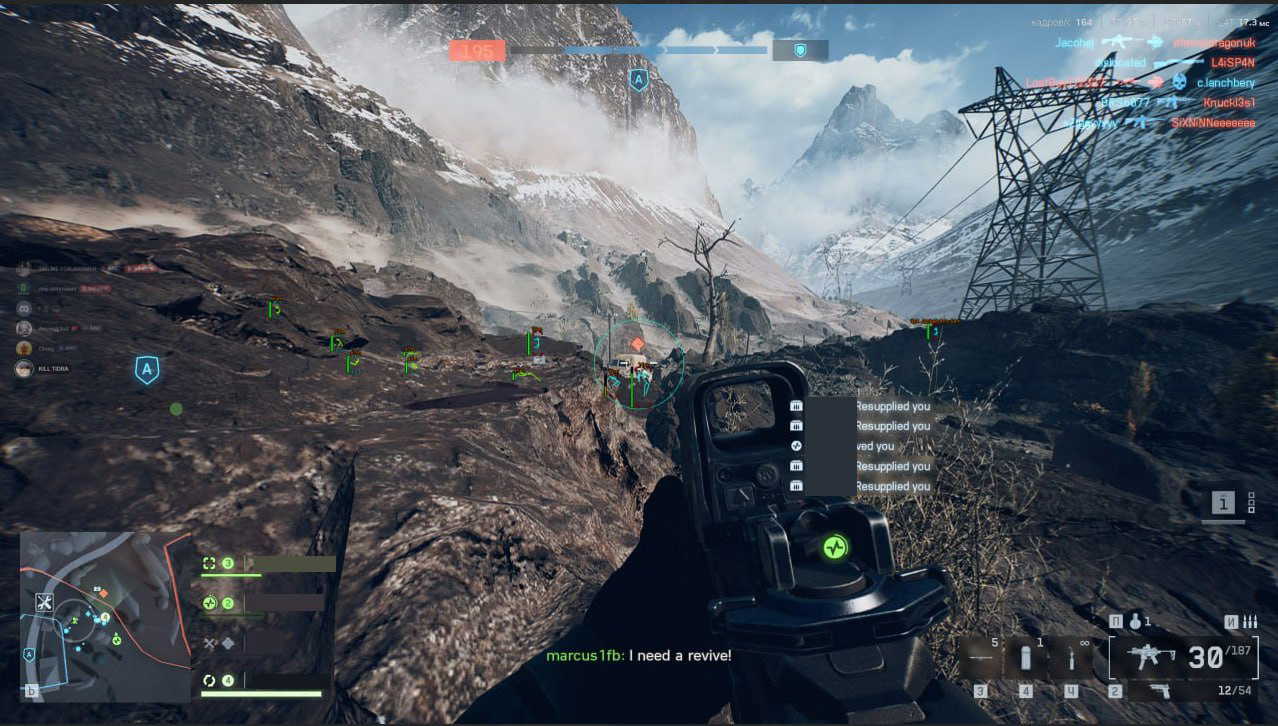
- Box ESP: Draws 2D boxes around enemies.
- Health Bar: Shows enemy health as a side or top bar.
- Snapline: Draws a line from your crosshair or screen bottom to the target.
- Skeleton ESP: Displays the enemy’s bone structure.
- Max Distance: Limit how far ESP displays targets to avoid clutter.
- Skeleton Thickness: Adjust the line thickness for skeleton rendering.
- Additional Information Display
- Nickname: Shows the enemy’s in-game name above their position.
- Distance: Displays the distance to the target in meters.