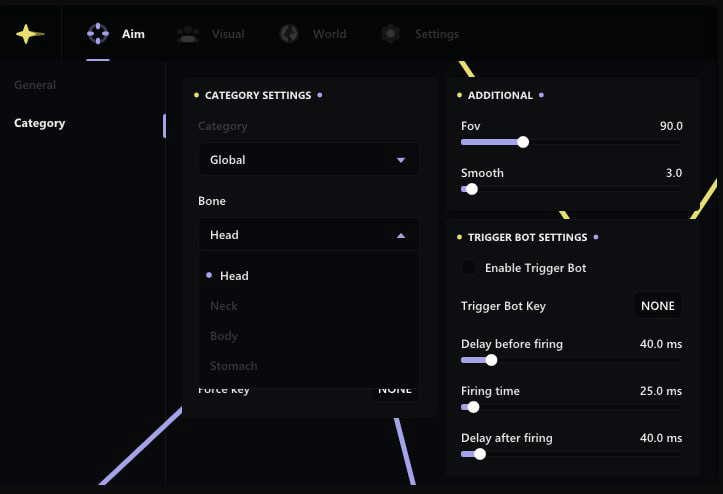
Click on the image to view in full screen.
Serenity Cheat External for Fortnite
Reviews:
OS:
10, 11
Built-in spoofer:
No
Last detection:
Never
Game client:
Epic
Proccessor:
Intel, AMD
USB Required:
No
Window mode:
All
$ 3.99
/1day
$ 19.99
/7days
$ 39.99
/30days
Features
Reviews
FAQ
Serenity Cheat Features & Description
Serenity is a private Fortnite cheat built for players who want a smooth, lowkey advantage without drawing attention. It features a legit-style aimbot with humanized aim curves and adjustable FOV, clean ESP with just the essentials (like player outlines and health), and a lightweight, undetected loader that keeps everything running fast and stable. No flashy nonsense — just consistent performance, quiet dominance, and tools that make you look like you’re simply cracked at the game.
Aim
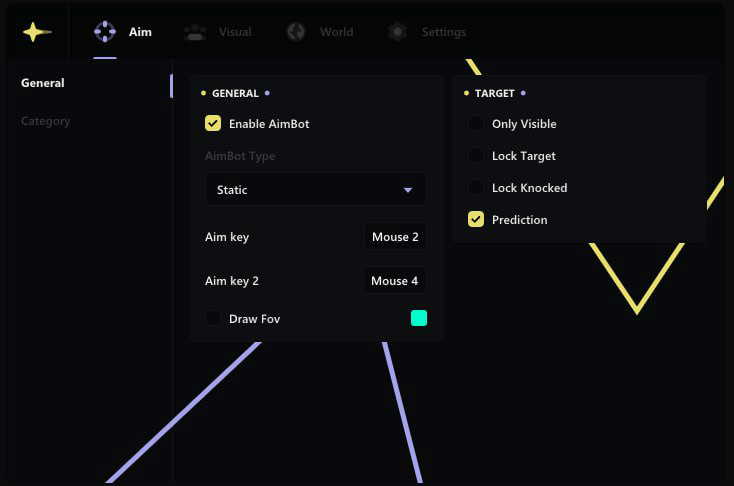
- General
- Aim key
- Enable AimBot
- Draw FOV
- AimBot Type: (Static; Curved)
- Aim key 2
- Target
- Lock Target
- Lock Knocked
- Only Visible
- Prediction
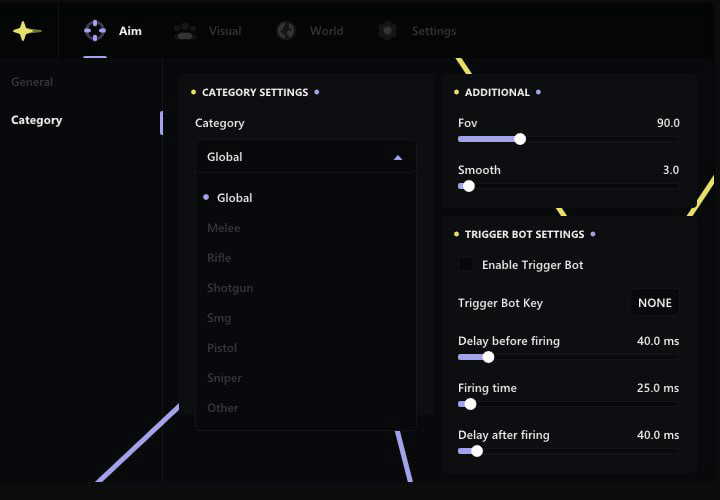
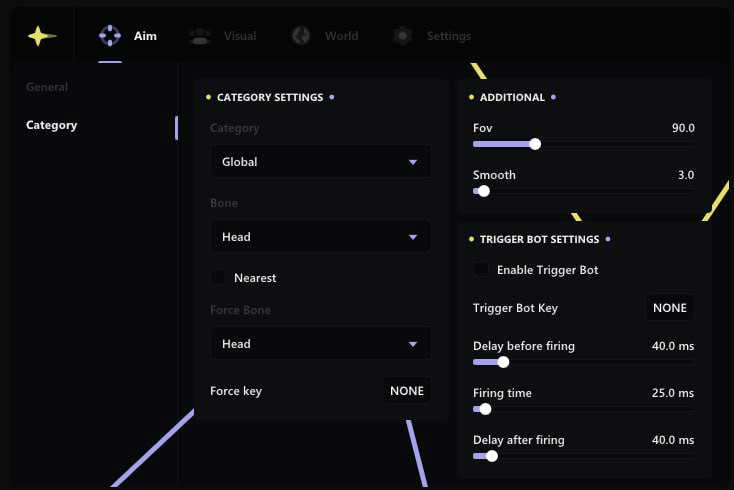
- Category Settings
- Rifle
- Sniper
- SMG
- Pistol
- Other
- Global
- Melee
- Shotgun
- Additional
- FOV
- Smooth
- Bone Selection
- Nearest Bone
- Body
- Neck
- Head
- Force Key
- Force Bone
- Bone
- Stomach
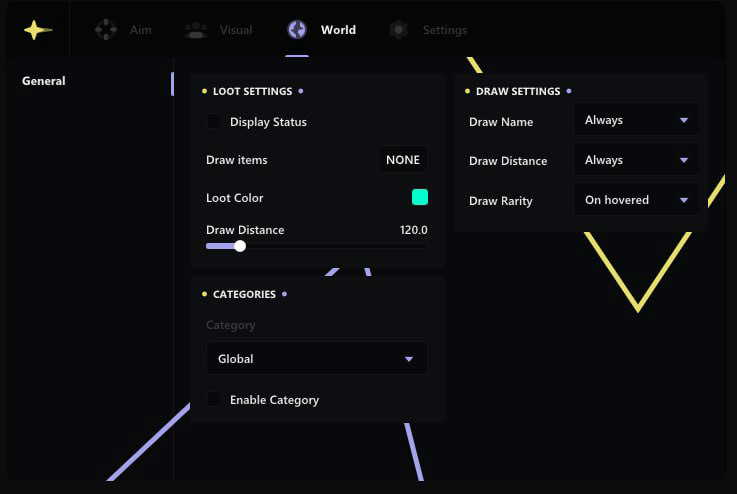
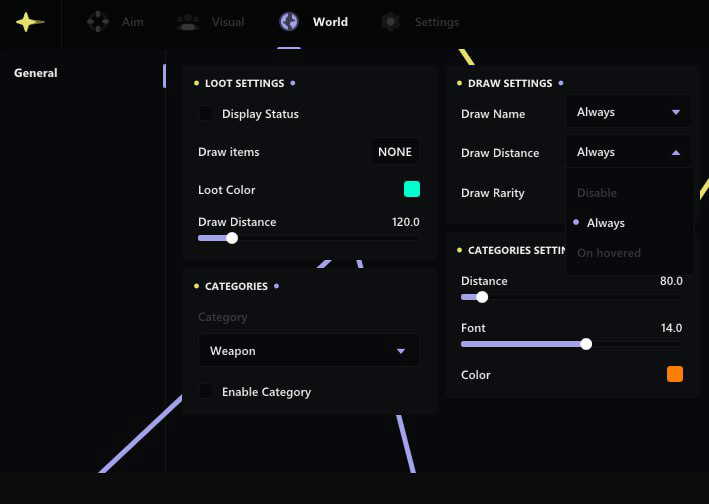
World
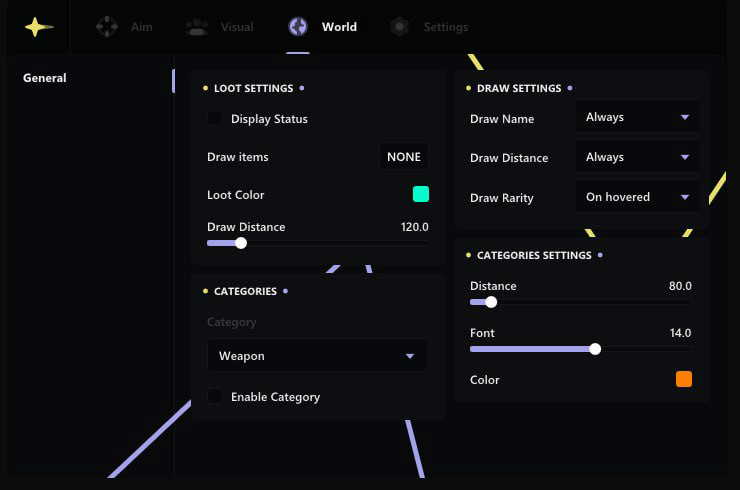
- Loot Settings
- Display Status
- Draw Distance
- Draw Items
- Loot Color
- Categories
- Category: Weapon
- Enable Category
- Draw Settings
- Draw Distance: Always
- Draw Rarity: Always / On hovered
- Draw Name: Always
- Categories Settings
- Color
- Font
- Distance
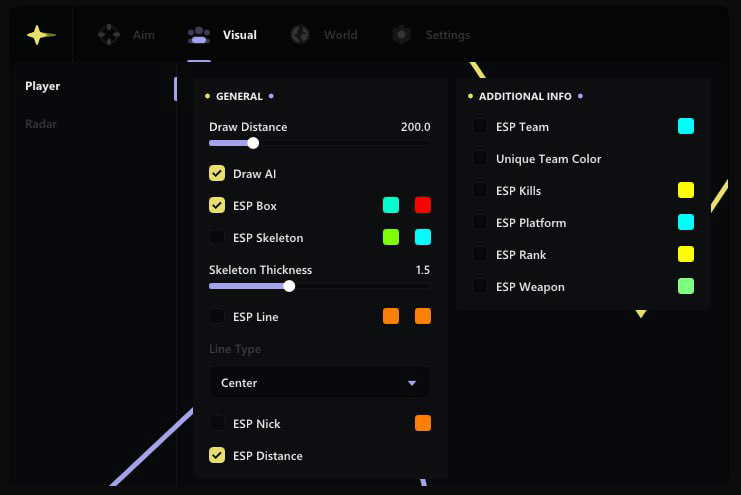
Visual
- General
- Draw AI
- ESP Box
- Draw Distance
- Skeleton Thickness
- ESP Nick
- ESP Distance
- Line Type
- ESP Skeleton
- ESP Line
- Additional Info
- ESP Weapon
- ESP Rank
- Unique Team Color
- ESP Platform
- ESP Kills
- ESP Team
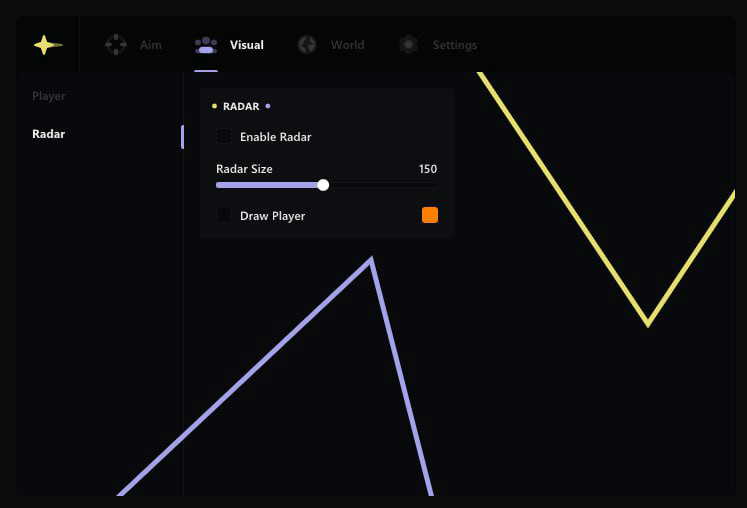
- Radar
- Radar Size
- Draw Player
- Enable Radar
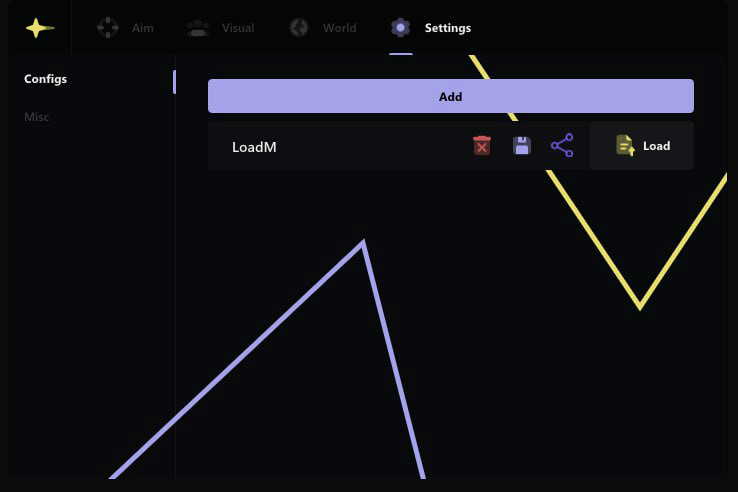
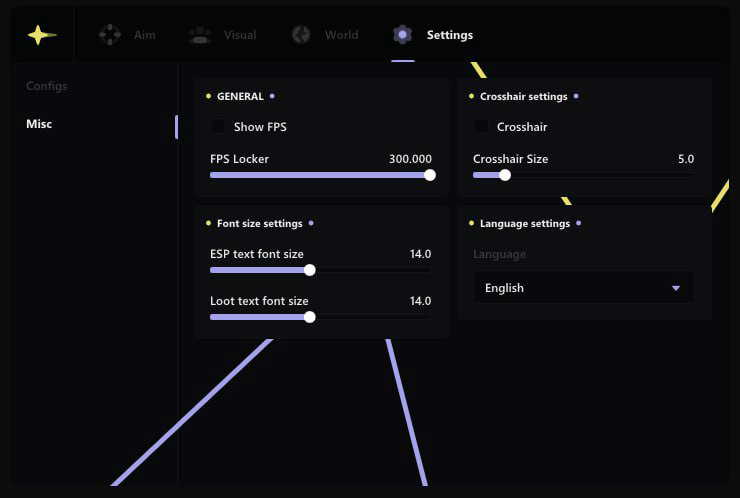
Settings
- FPS Locker
- ESP text font size
- Language: English; Chinese
- Show FPS Overlay
- Crosshair Size
- Crosshair
- Loot text font size
Configs
- Add
- Load
- Share